
Security · Field Notes
Wired vs. Wireless Security Cameras: Which Is Right for Your Property?
By Leo Bitton · Tech In Control
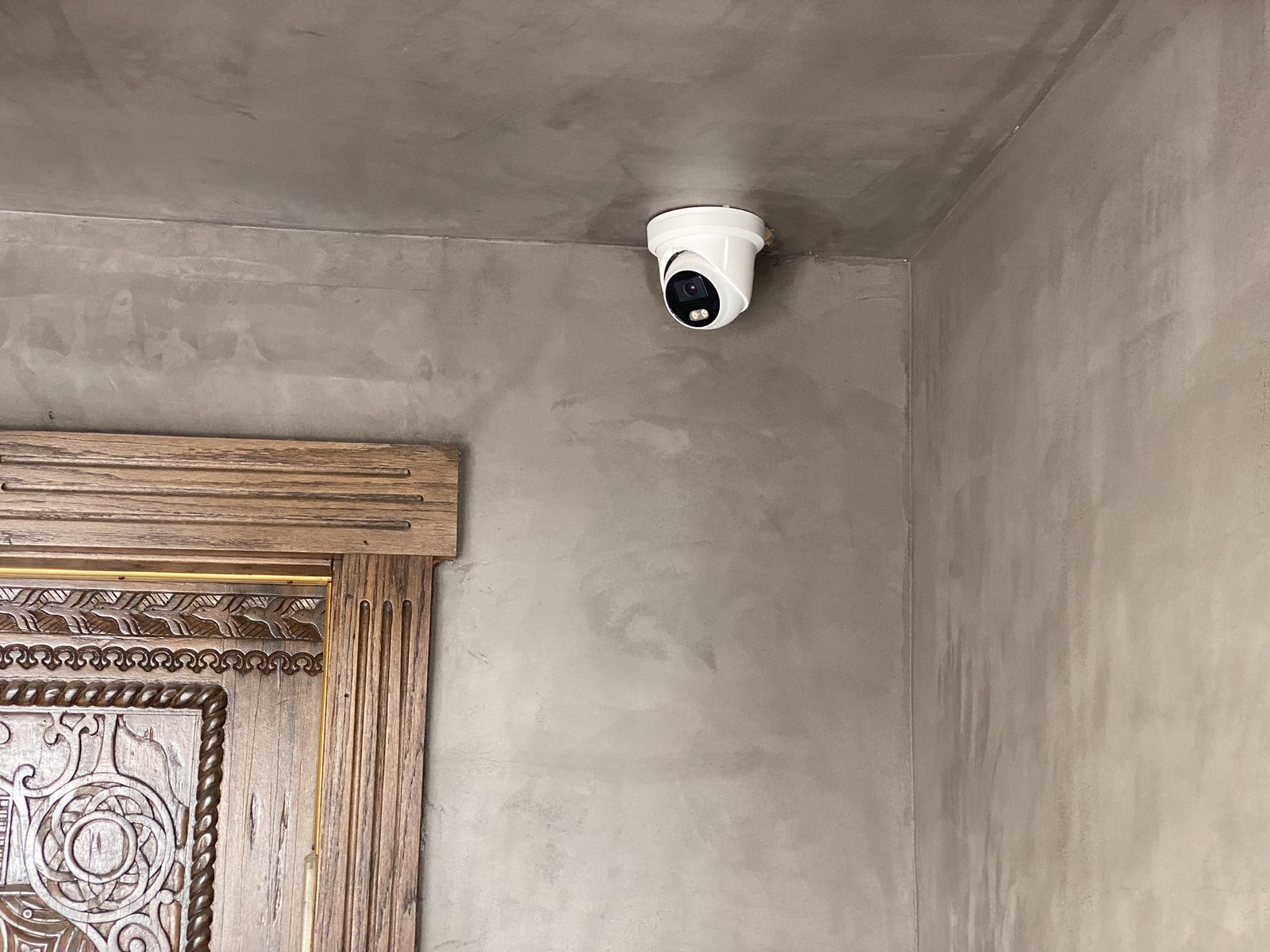
This is the first question almost every client asks once we start talking about surveillance: wired or wireless? There isn't a single right answer — it depends on the property, the budget, and how much you're willing to trade convenience for reliability. Here's how we actually think about it.
How wired systems work
A wired camera runs two connections back to a central recorder: power, and a data line carrying the video signal. On most professional installs, both travel over a single Ethernet cable using Power over Ethernet (PoE), which simplifies the run considerably. The cable is typically routed through attics, crawl spaces, or conduit run during construction, terminating at a recorder or network switch inside an equipment closet.
The upside: a dedicated, direct connection with no shared bandwidth, no Wi-Fi interference, and no reliance on batteries. Footage keeps recording even if your internet goes down, since it's writing to a local recorder rather than streaming to the cloud. Video quality also holds up better at higher resolutions, since the cable isn't subject to the same throughput limits as a wireless signal competing with every other device on your network.
The trade-off: it has to be planned. Running cable after walls, ceilings, and landscaping are finished means more invasive work — fishing cable through existing structure, or accepting exterior conduit that has to be routed thoughtfully to stay out of sight. This is exactly why we push hard for pre-wiring during any renovation or new build, even before a client has finalized their camera plan.
How wireless systems work
A wireless camera connects to your network over Wi-Fi and typically runs on battery power, though some models use a plug-in adapter for continuous power without cutting the wireless link for data. Footage usually streams to the cloud, with some systems offering local storage as a backup or primary option.
The upside: installation is fast and non-invasive. A wireless camera can go up in an afternoon, be repositioned later without patching anything, and doesn't require access to attics or crawl spaces. For a rental property, a property with strict HOA or historic-preservation restrictions on exterior work, or a homeowner who wants coverage now rather than after a construction phase, this matters.
The trade-off: battery-powered cameras need regular charging or battery swaps — how often depends heavily on how much motion activity the camera is capturing. Video quality and reliability are also tied to your Wi-Fi signal strength at that exact location, which is a real issue for cameras covering a driveway gate, a detached garage, or the far end of a large lot. And because most wireless systems depend on an internet connection to reach the cloud, an outage can mean a gap in your coverage exactly when you need it most.
What we actually recommend
For most of the estates and larger properties we work on across Los Angeles, we lean wired wherever construction access allows it — particularly for primary coverage points like main entries, driveways, and gates, where reliability matters most and the footage is most likely to actually get reviewed. We'll typically pair that with a small number of wireless cameras for spots that are impractical to cable, like a detached structure added after the fact, or a temporary coverage need.
For condos, rentals, and smaller properties where invasive cabling isn't an option or doesn't make financial sense, a well-planned wireless system with strong Wi-Fi coverage at each camera location is often the right call — and it's what we'd recommend over doing nothing while waiting for a "perfect" wired solution that never gets budgeted.
The honest answer, in other words, is that it's rarely all-or-nothing. The right system is usually a mix, planned around what the property actually needs covered and what's realistic to install there.
Planning a Security System?
Tell us about your property.
Every recommendation above starts with actually walking the property. Get in touch or call (818) 510-0077 and we'll talk through what makes sense for yours.